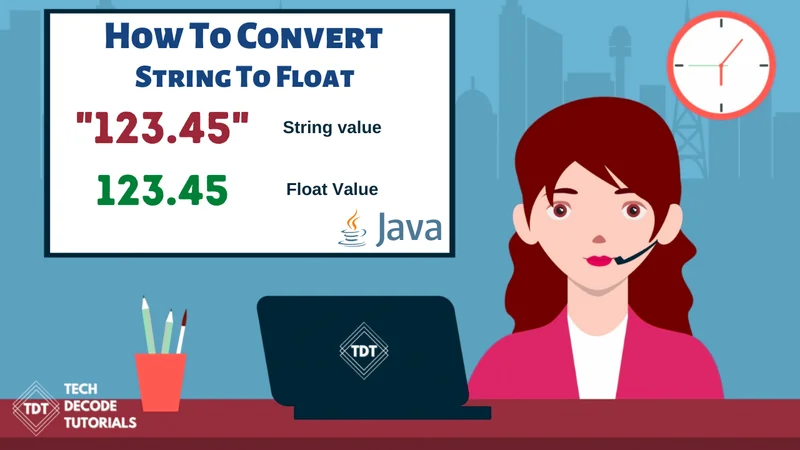

How to convert String to long in Java
The data type long is used in programming languages including Java, C++, and C#. A single 64-bit signed integer can be stored in a long constant or variable. So, what does a 64-bit signed integer entail? It helps in breaking down each word from right to left. A full number without a decimal point is called an integer. 1, 24, and 45478 are some examples. Although it may be preceded by a minus (-) mark, “signed” signifies the number can be positive or negative. The number may store 784 or 450,478,7445,569,798,578,614, etc distinct values if it is 64-bit (since one bit is used for the sign). The available integers for the long data type range from -9223372036854775808 to 9223372036854775807, including 0. So let us start on the tutorial on How to convert String to long in Java
What’s The Approach?
- Import the
java. utilpackage into the class.
- Now within the main method create a new object of
Scannerclass, for exampleScanner sc=new Scanner(System.in);
- Use the
Scannerclass to get the input from the user.
- Apply the
tryandcatchto prevent unwanted errors from the user.
- Implement the
parseLong(String_Name); to convert the string to an integer type
Also Read: How to Reverse a Number in Java using for loop
Java Program to convert String to Long in Java
/*
 * TechDecode Tutorials
 *
 * How to Covert String to Long
 *
 */

import java.util.*;
public class String_to_Long
{
    public static void main(String args[])
    {
        // Creating an object of Scanner class
        Scanner sc=new Scanner (System.in);
        // taking imput from  the user
        System.out.print("Please Enter the String that is to be converted to Long: ");
        String s=sc.nextLine();
        //using try and catch to prevent Wrong inputs
        try
        {
            // converting string to Long
            long num=  Long.parseLong(s);
            //Printing the integer
            System.out.println("The converted String to Long is: "+ num);
        }
        catch (NumberFormatException ex){
            //Displaying message for wrong input
            System.out.println("Sorry Wrong Input");

        }
    }
}
Output:-